
Every feature below is part of the software. Nothing to install - it works in the browser and on the phone.
Website live quote
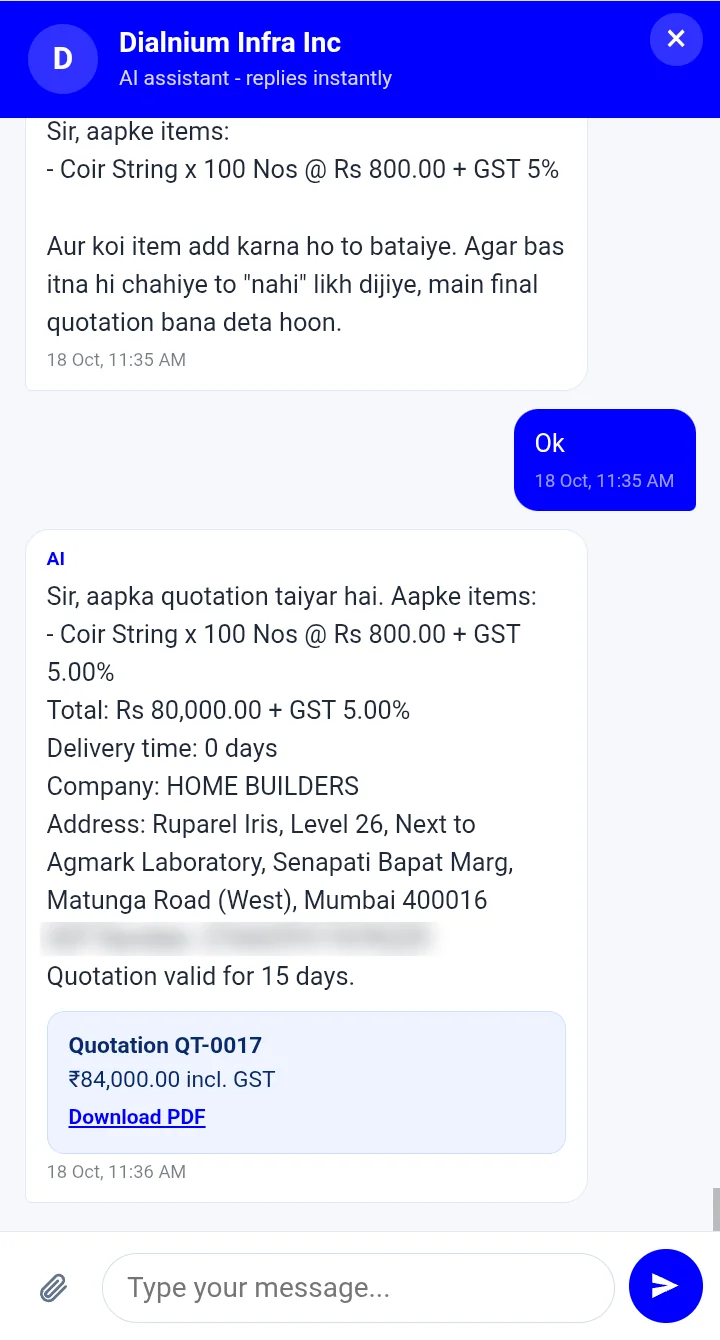
A chat window on your website gives customers a quotation instantly, 24 hours a day.
Email enquiry reply
Enquiry emails are read and answered with the PDF quotation attached.
Admin AI assistant
Type customer name, email and item and the AI creates and mails the quote.
Branded PDF quotation
Logo header, quotation to, bank details, CGST + SGST or IGST, amount in words and terms on page 2.
Your own price list
Items with MRP, discount, rate, GST, HSN, delivery days, photos, brand and specifications. CSV import included.
Smart item matching
Understands size, material, grade and brand, and forgives spelling mistakes.
Returning customers
The AI remembers the last quotes and handles "same as last time" repeat orders.
Order confirmation
When the customer says Confirm, the quote and enquiry are marked confirmed and you get an alert mail.
Quote tracking
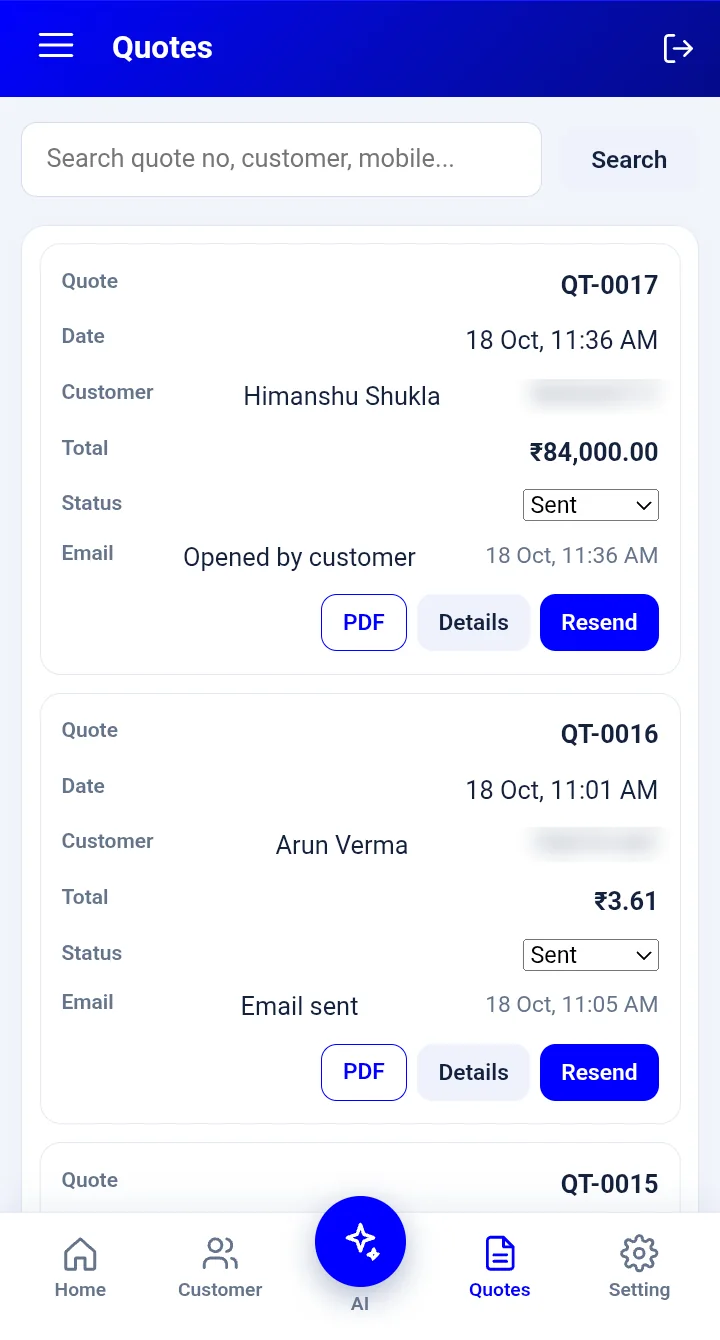
See "Email sent" and "Opened by customer" on every quotation.
Follow-up reminders
Quotes with no reply get up to two automatic reminder mails.
Human handover
Complaints or special requests are passed to your team, and you get an alert.
Works like a mobile app
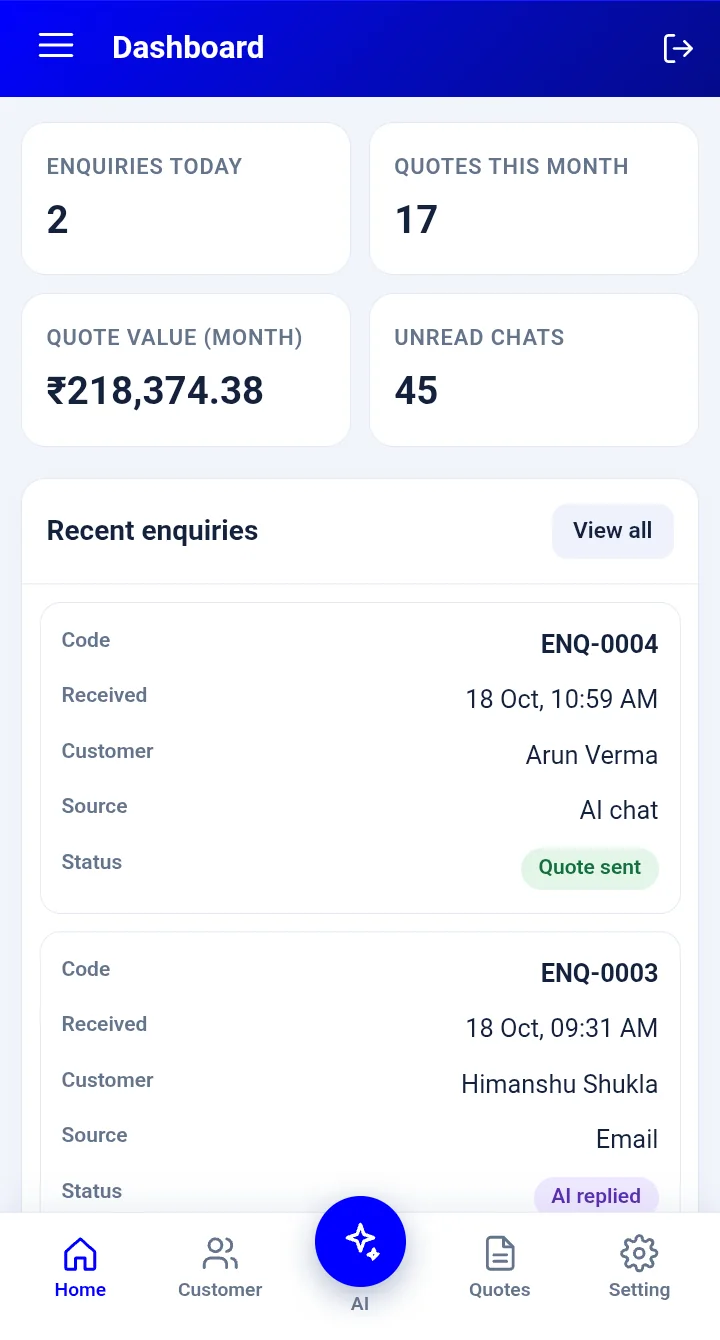
Open the admin on your phone and add it to the home screen. Quote from anywhere.
Customer-wise special rates
Fixed rates, % off list, % of MRP or MRP + extra discount for one customer, a price group or everyone. Bulk quantity slabs and validity dates included.
Edit, revise and copy quotations
Change rates, add freight, create a revised quotation and copy it to another customer in a few taps.
Rates by chat command
Tell the AI "QT-0017 ke rates is customer ke liye fix karo" or "MRP ka 80% rate do" and it saves the rule and mails the quote.
Online review and confirm
Customers open the quotation online, download the PDF and confirm the order with one tap.
Reports and price log
Win rate, top customers and items, response time, every rate change and every rule logged.
Want to see these features live?
Open the chat and ask for a quotation.